

Digital Marketing Tools: 36 Tools in 6 Categories (2026)
Updated: October 29, 2026 · 3 min read
The number of tools for social media and advertising grows every month, and trying them all costs time and money. This list sorts the 36 tools businesses and agencies use most into six categories, with one line on what each is for. The goal is not to use them all, but to pick the ones that fit your work.
Content and AI tools
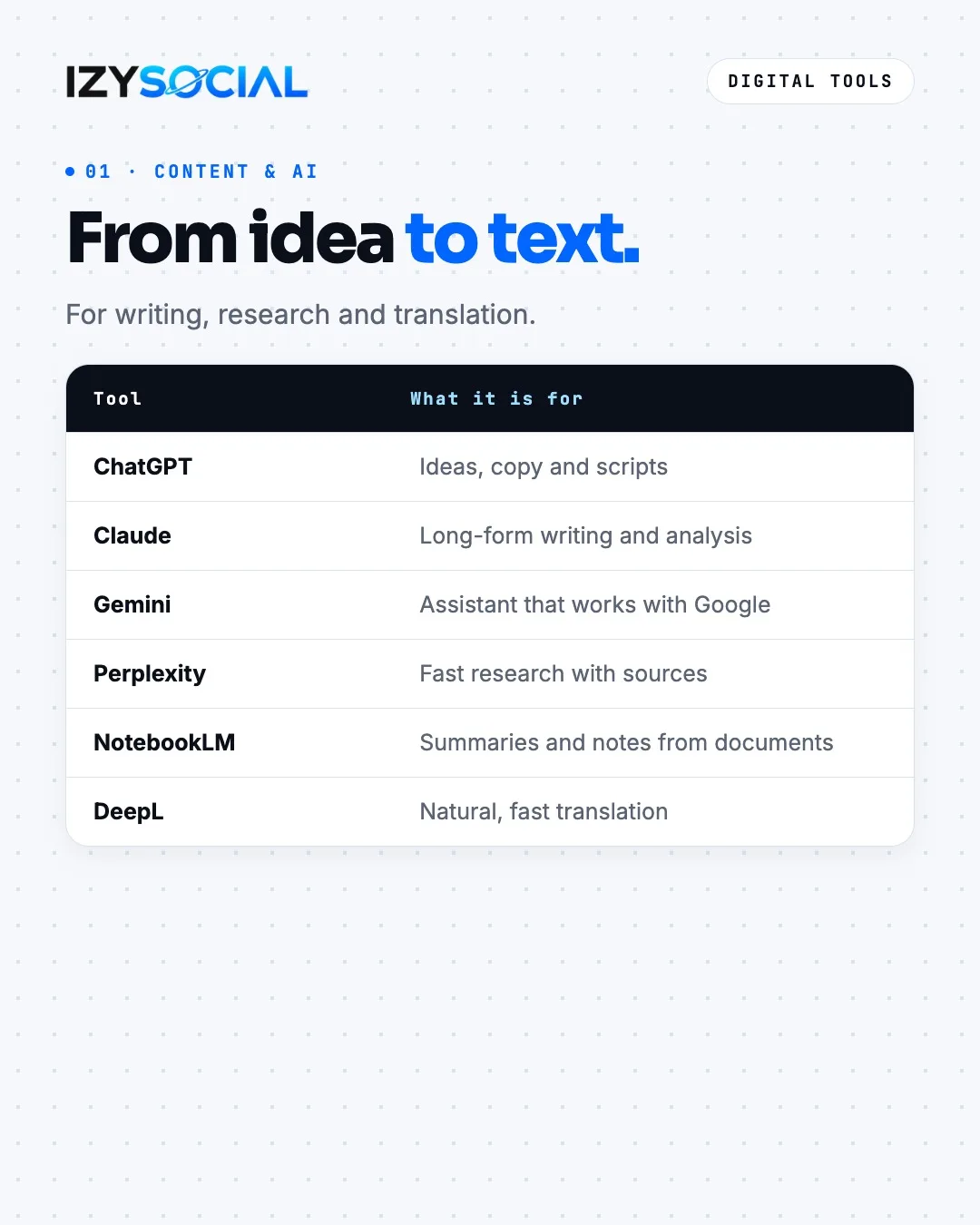
AI assistants are now standard for writing, finding ideas and research. ChatGPT is good for ideas, copy and scripts, Claude for long-form writing and analysis, and Gemini if you want an assistant that works with your Google account. Perplexity gives answers with sources, which helps with quick research.
If you have a long document, report or deck, NotebookLM summarises it and pulls out notes. For content in another language, DeepL usually gives a more natural translation. Always edit AI text into your own brand voice before you post it.
Visual and design tools
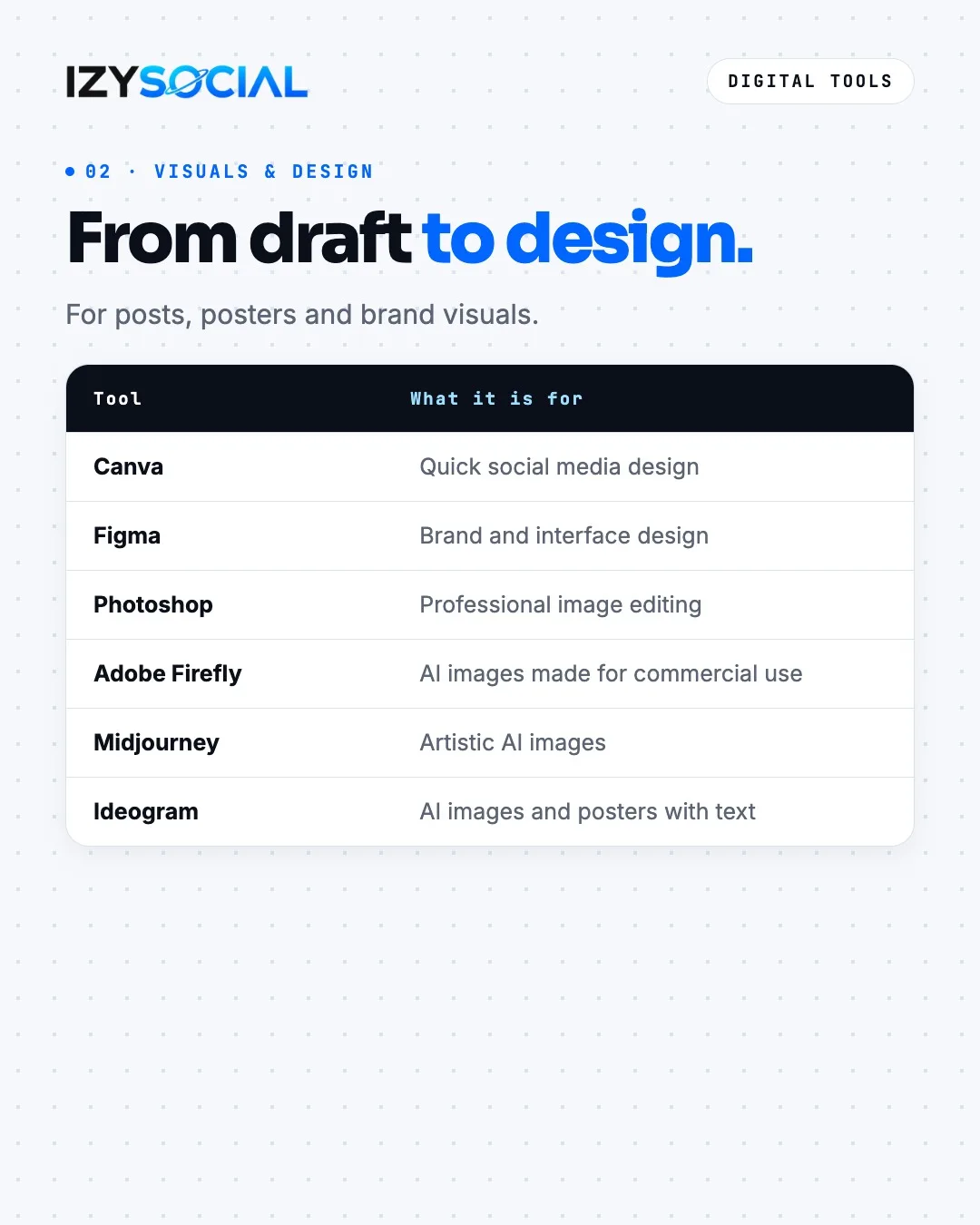
Canva is the fastest way to make everyday posts and Stories. Figma suits brand identity, interfaces and more controlled design work, and Photoshop is the standard for photo editing.
For AI images, Adobe Firefly is trained to be safe for commercial use, which makes it a safer pick for ad visuals. Midjourney gives more artistic results. If the image needs readable text on it, Ideogram handles that well.
Video and production tools
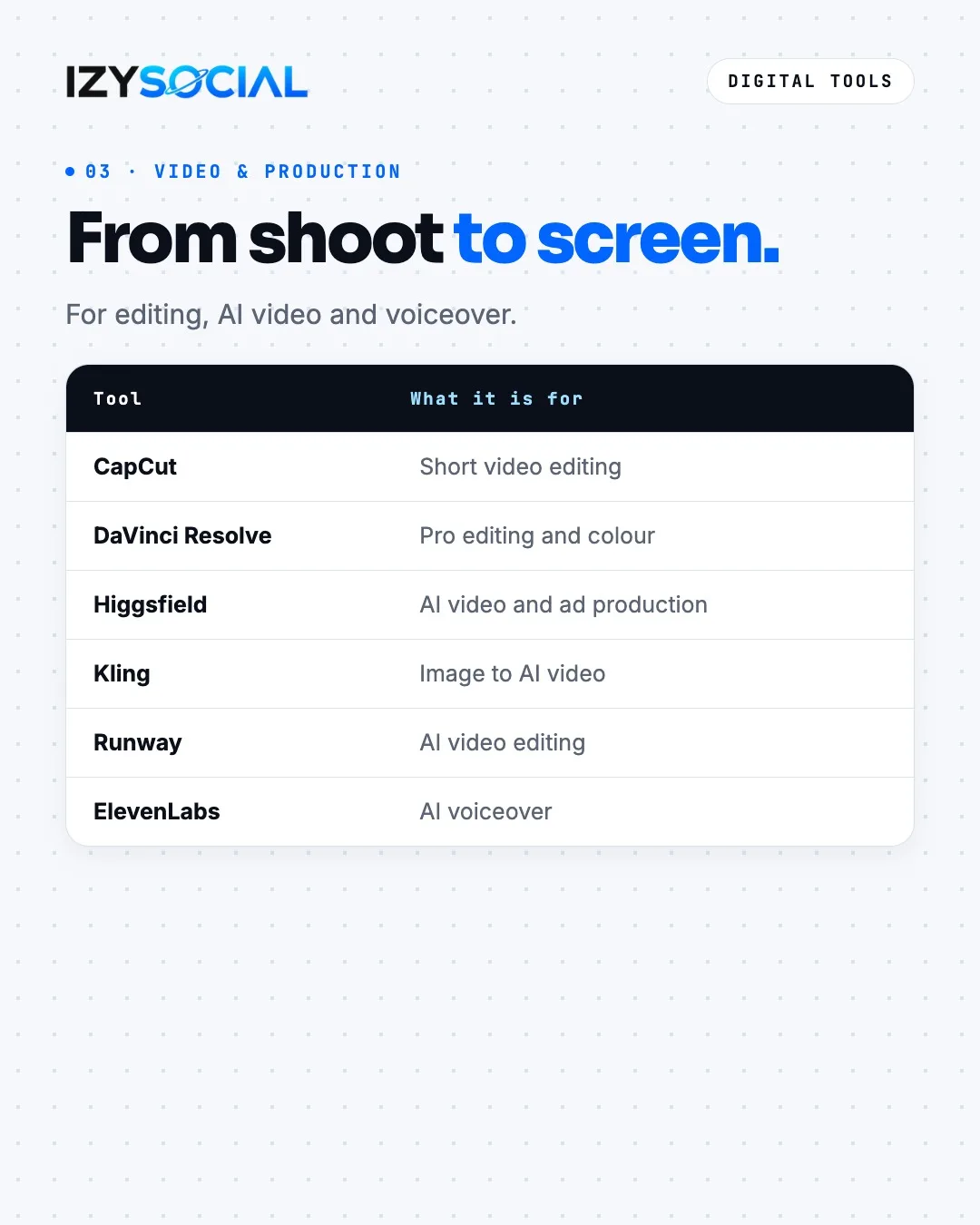
CapCut is enough for Reels and short video editing on both phone and desktop. For colour grading and more professional edits, even the free version of DaVinci Resolve covers most jobs.
On the AI video side, Higgsfield is used for ad videos, Kling for turning images into video and Runway for video editing. ElevenLabs and similar tools produce a natural voiceover in minutes. For product shots, start from a real photo so the AI does not distort the logo or packaging.
Ad and analytics tools
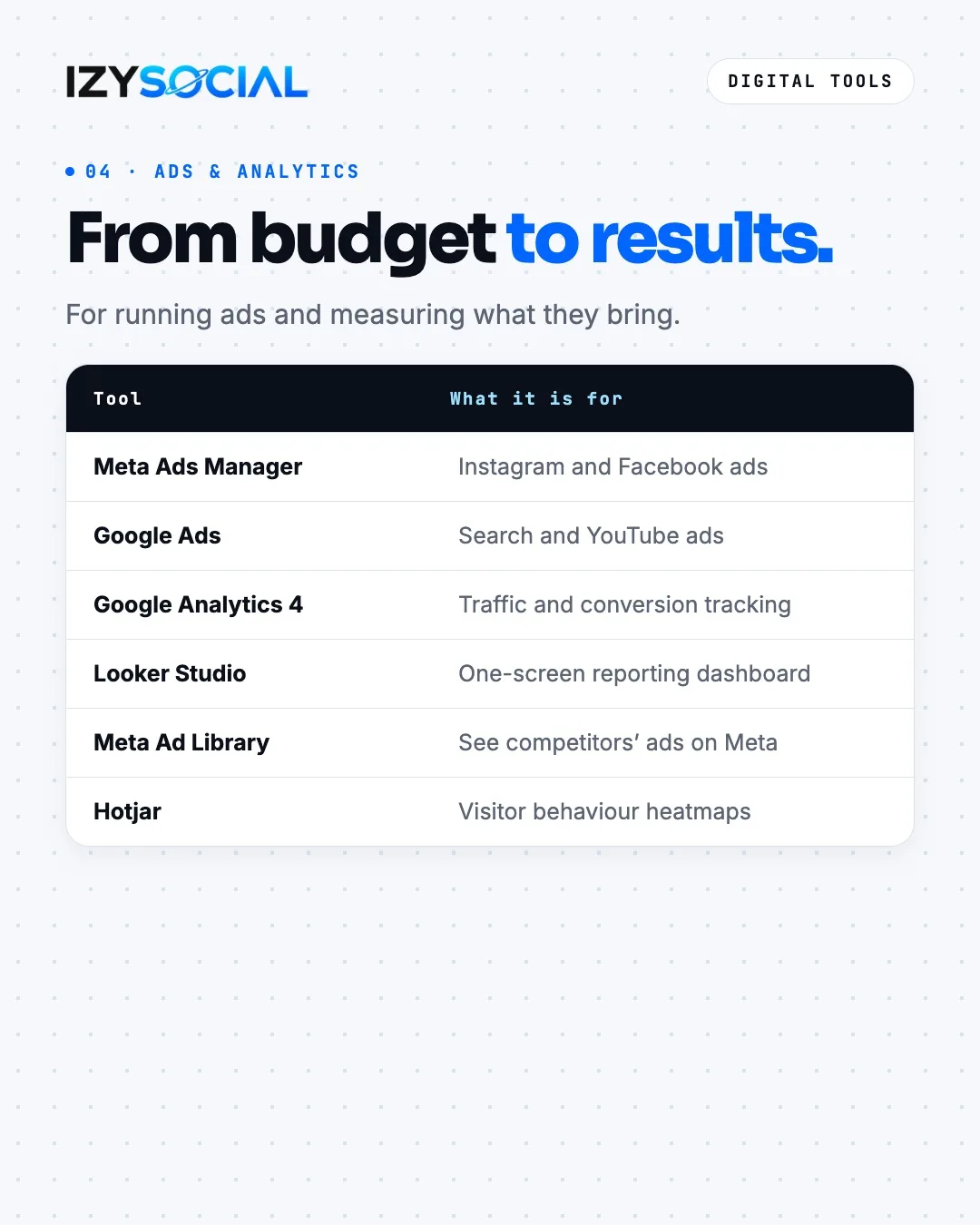
Instagram and Facebook ads run through Meta Ads Manager, and search and YouTube ads through Google Ads. Google Analytics 4 tracks your site traffic and conversions, and Looker Studio turns that data into a one-screen report.
The Meta Ad Library is free and public, so you can see which ads competitors are running. If you want to see where visitors click and where they leave your site, Hotjar builds heatmaps.
We walk through Meta ad setup step by step in our Meta Ads guide.
SEO and visibility tools
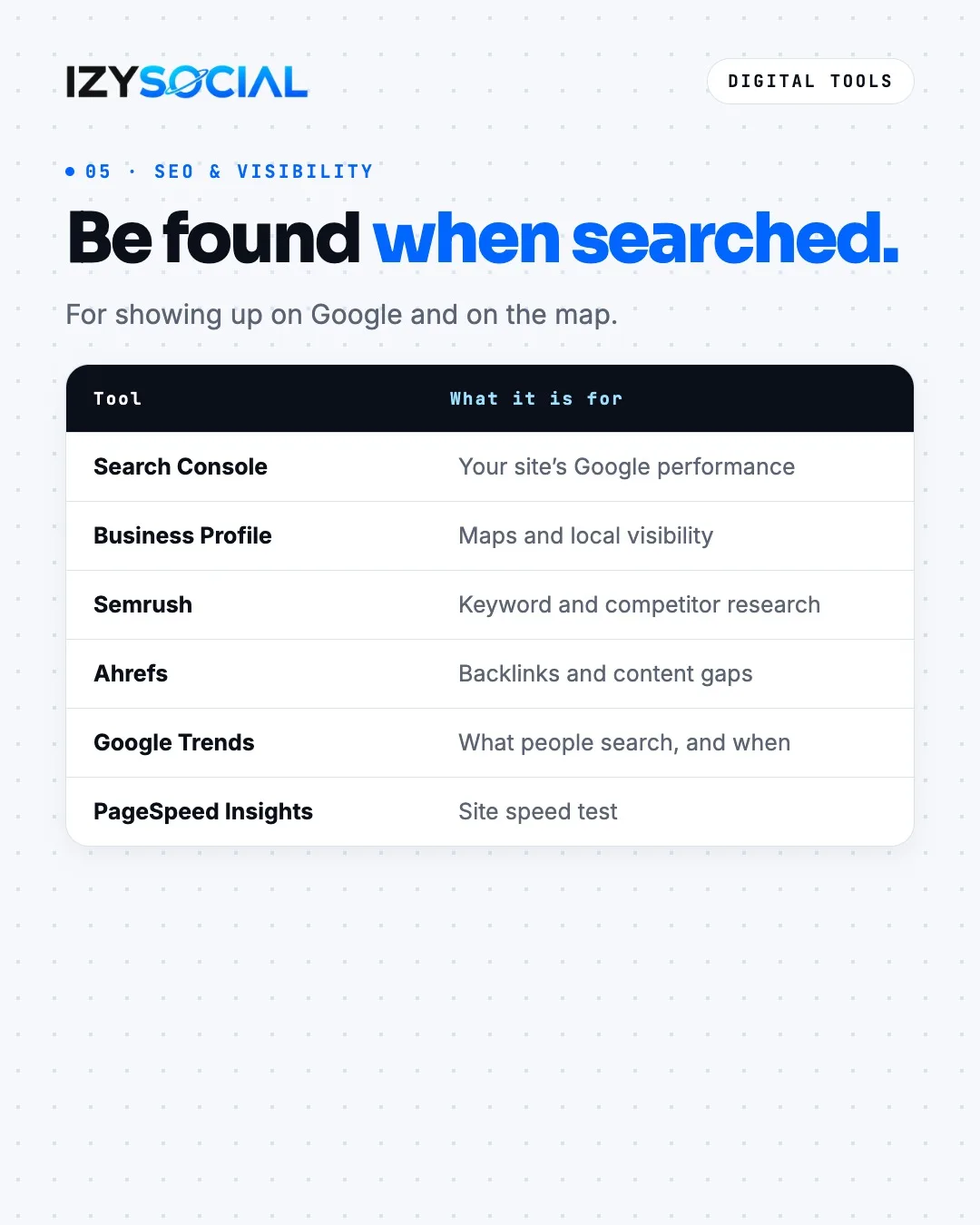
Google Search Console shows which searches your site appears for, how many clicks it gets and which pages are indexed. For a local business, a Google Business Profile is the basis for showing up on Maps and in local search.
Semrush and Ahrefs are the best-known tools for keyword and competitor research; both are paid, with limited free versions. Google Trends shows when a topic is searched most, and PageSpeed Insights shows how fast your site loads.
Management and productivity tools
Meta Business Suite is a free starting point for scheduling posts and seeing messages in one place. Notion is common for content calendars and notes, Trello for tasks and Google Drive for sharing files and deliveries.
If you want several links in your bio, a link page such as Linktree does the job. Zapier automates repetitive work between apps, for example sending new form entries to a spreadsheet.
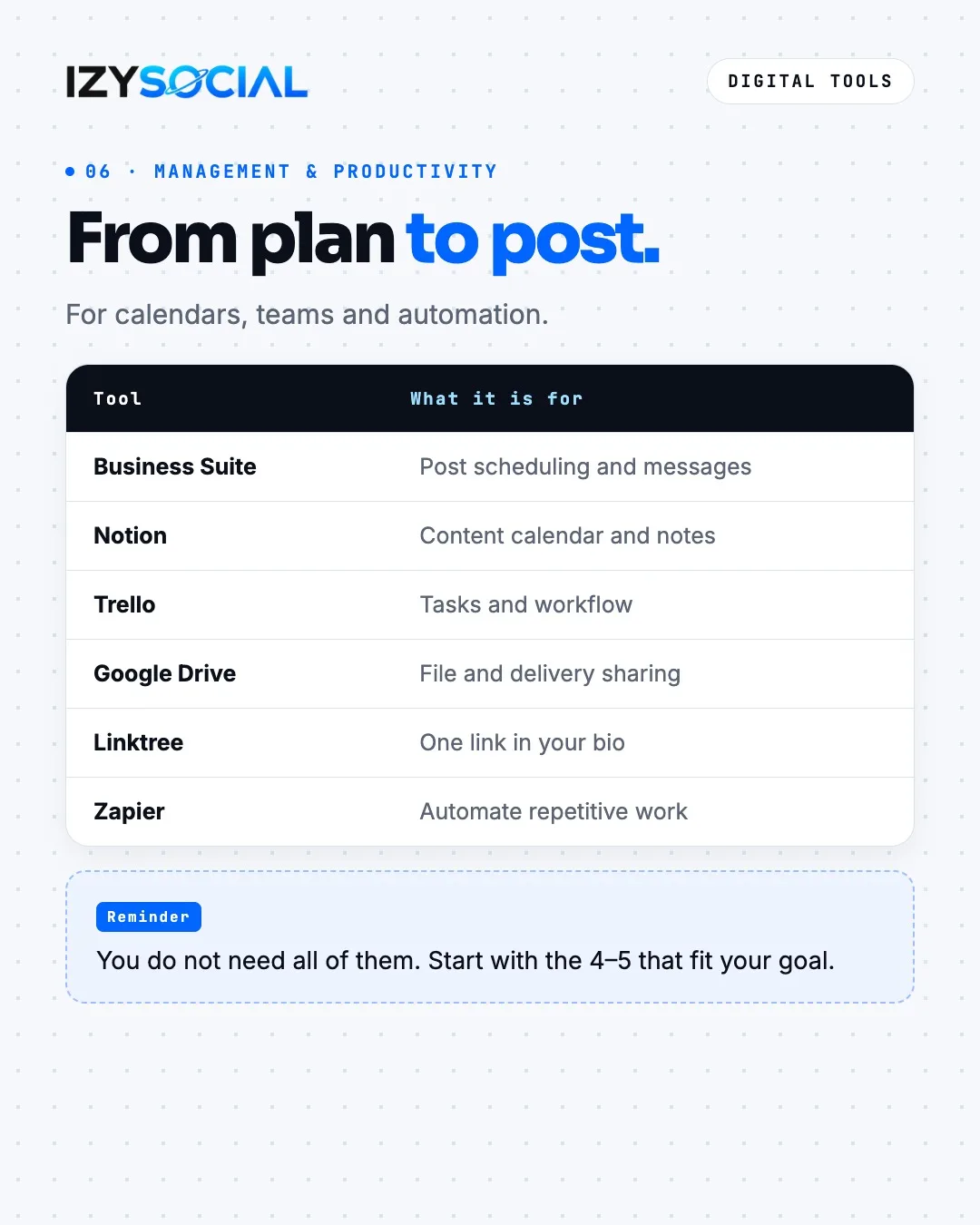
You do not need all of them. Start with the 4–5 that fit your goal and add more when you need them.
Frequently asked questions
Which tools should a small business start with?
For most small businesses, Canva, CapCut, Meta Business Suite and a Google Business Profile are enough to start. Add Meta Ads Manager if you run ads, and Google Analytics 4 and Search Console if you sell through your website.
Are all these tools paid?
No. Meta Business Suite, Search Console, Google Analytics 4, Looker Studio, Google Trends, PageSpeed Insights and the Meta Ad Library are free. Canva, CapCut and DaVinci Resolve have free versions. SEO tools such as Semrush and Ahrefs are paid.
Can AI-generated images be used in ads?
Yes, but check the tool's licence terms. Adobe Firefly states that it is trained to be safe for commercial use. For product images, starting from a real photo keeps the logo and packaging accurate.