

Running Meta Ads with Claude: A 7-Step System from Analysis to Testing
Updated: October 29, 2026 · 3 min read
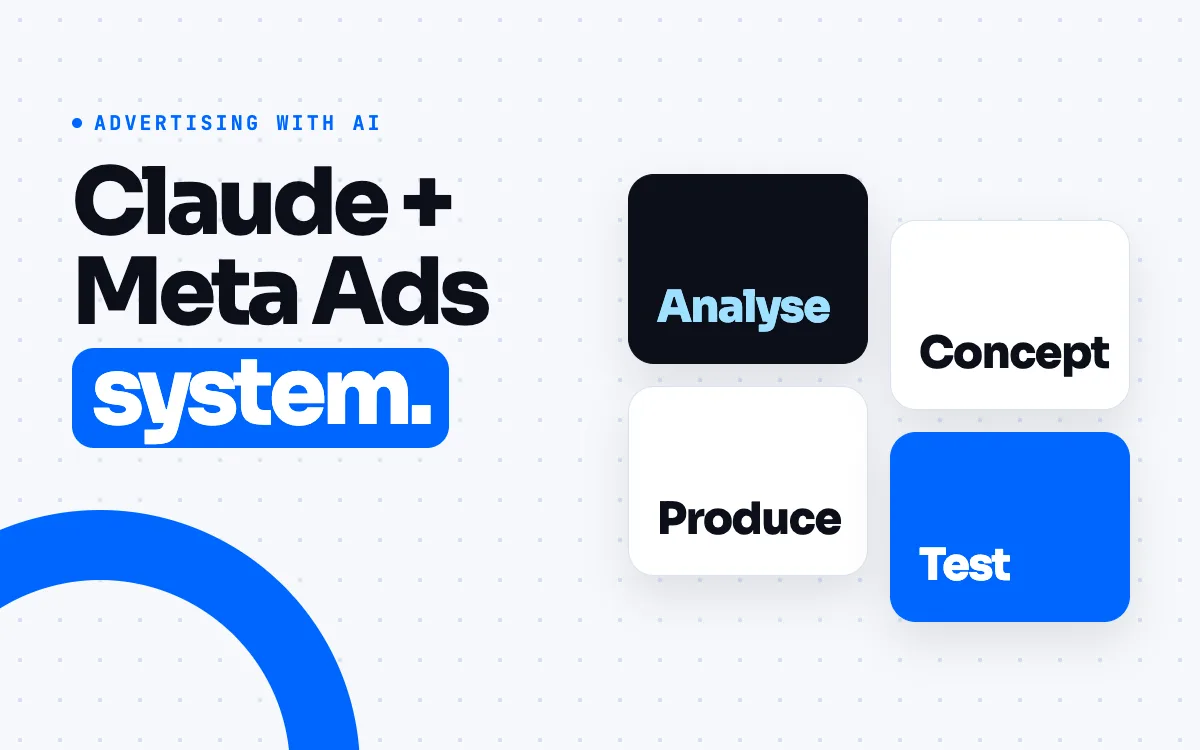
In 2026 Meta released an official connector, in beta, that links ad accounts to AI assistants such as Claude and ChatGPT. Instead of reading every number in the dashboard, you can ask the assistant. This post lays out a 7-step workflow from connecting to testing. The core rule is set from the start: Claude reads the data, you make the call.
1. Connect Claude to your ad account
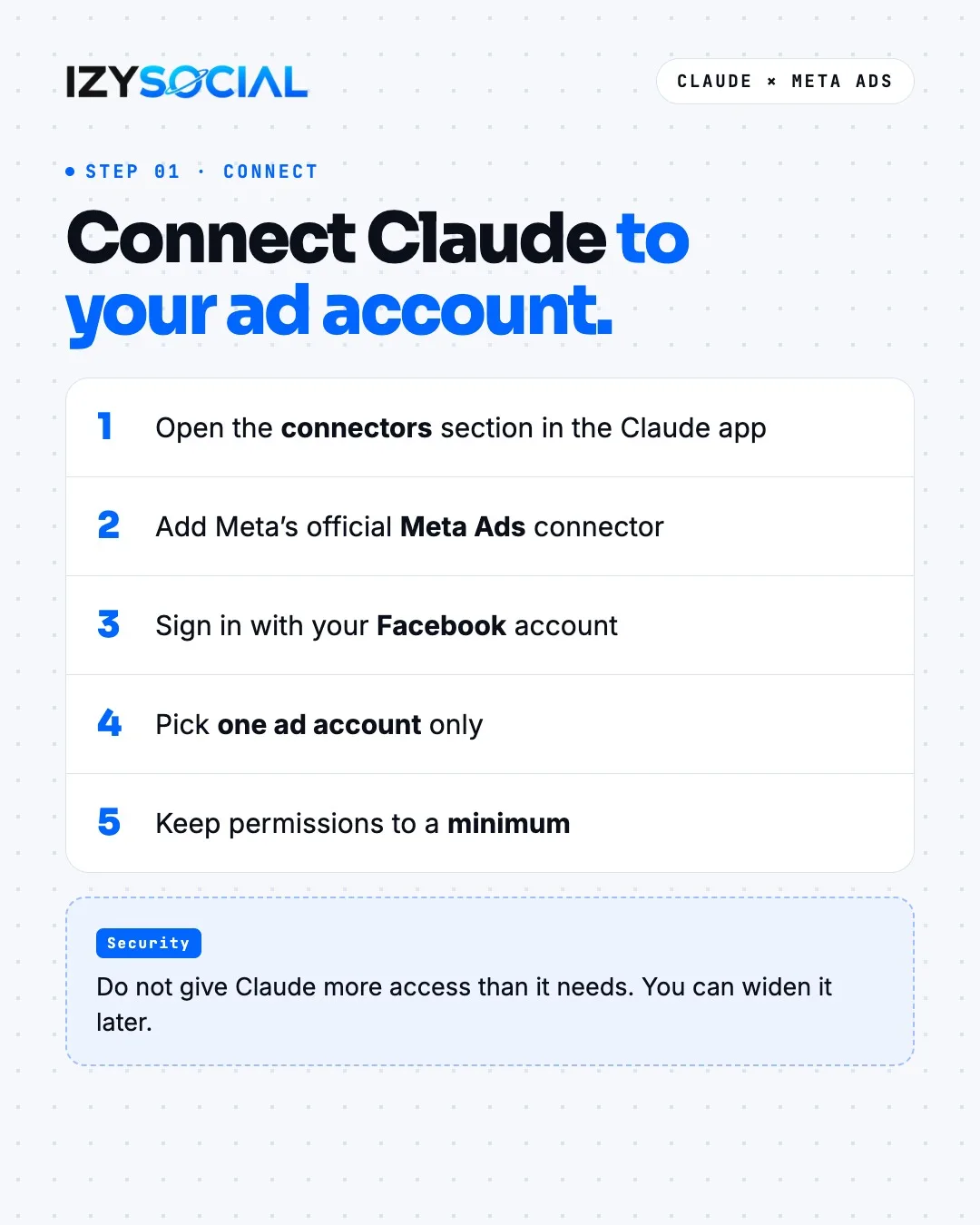
- 1Open the connectors section in the Claude app.
- 2Add Meta's official Meta Ads connector.
- 3Sign in with your Facebook account.
- 4Pick one ad account only.
- 5Keep permissions to a minimum.
The connector is in beta, and access can vary by account and plan. Do not give Claude more access than it needs; you can widen it later.
2. Test the connection
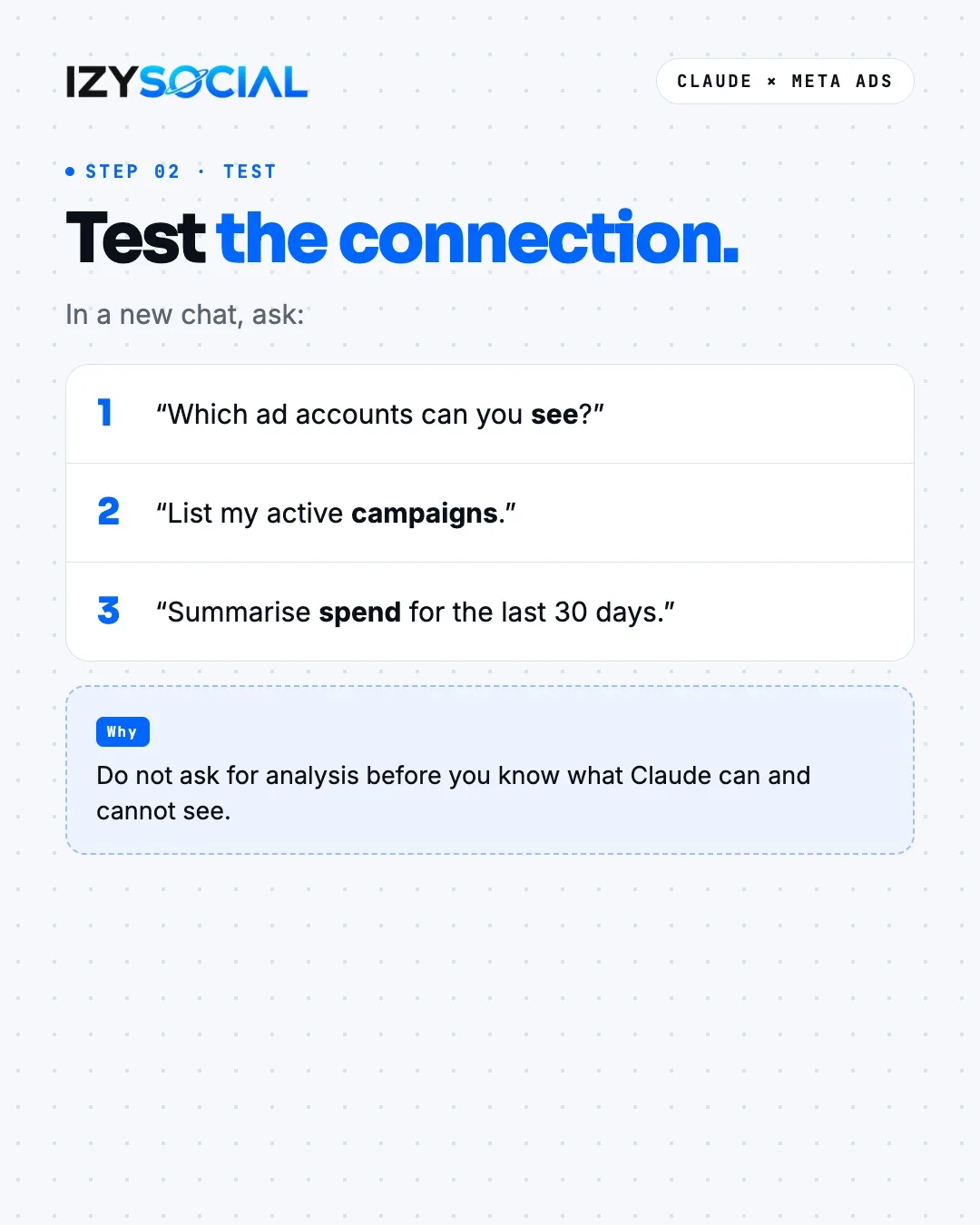
Before asking for analysis, find out what Claude can and cannot see. In a new chat, ask three questions: "Which ad accounts can you see?", "List my active campaigns." and "Summarise spend for the last 30 days." If the answers match Ads Manager, you are ready.
3. See where the money goes
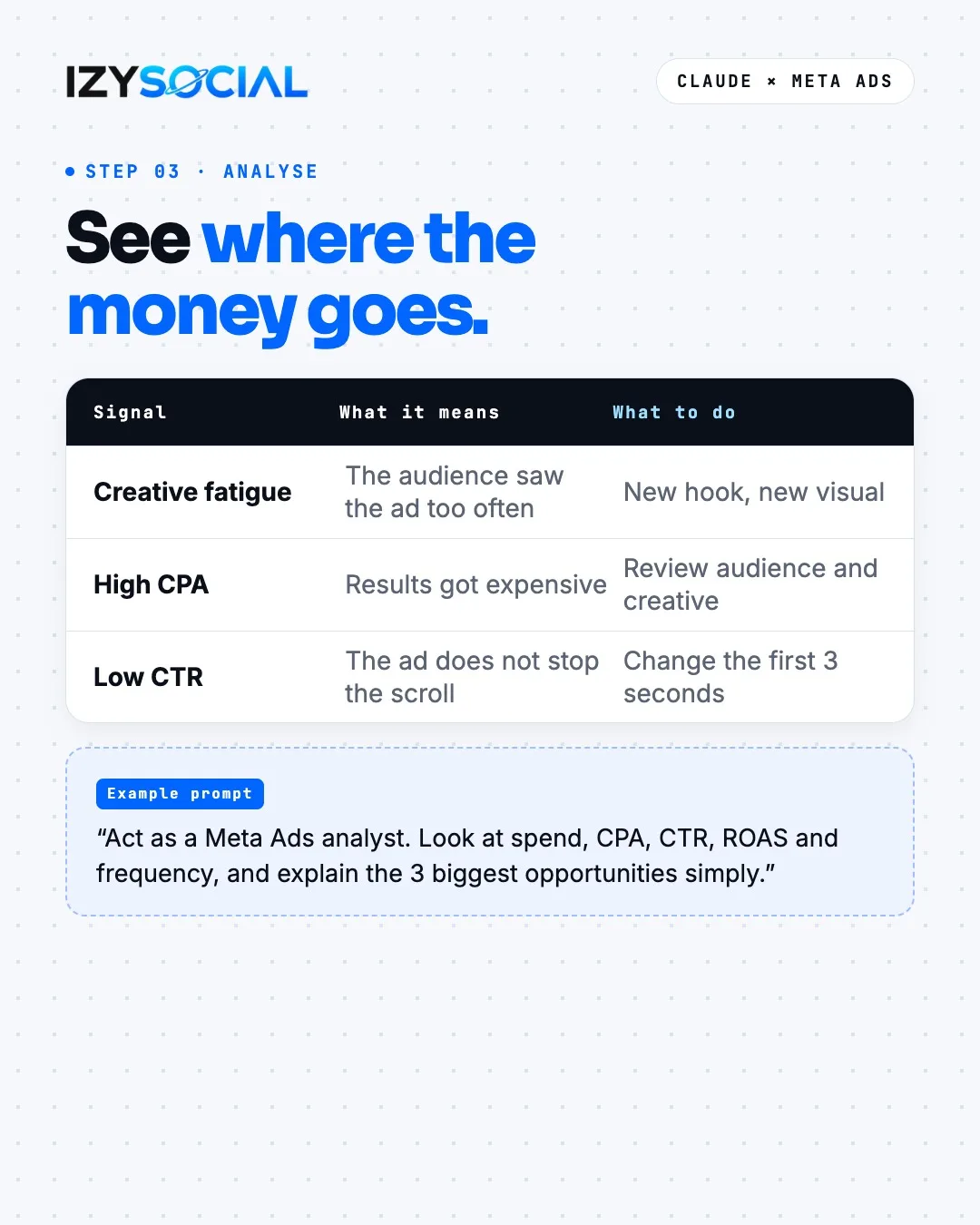
Ask Claude to look at spend, CPA, CTR, ROAS and frequency. Three signals matter most. Creative fatigue means the audience has seen the same ad too often; the fix is a new hook and a new visual. A high CPA means results got expensive; review the audience and the creative. A low CTR means the ad does not stop the scroll; change the first 3 seconds.
Example prompt: "Act as a Meta Ads analyst. Look at spend, CPA, CTR, ROAS and frequency, and explain the 3 biggest opportunities simply."
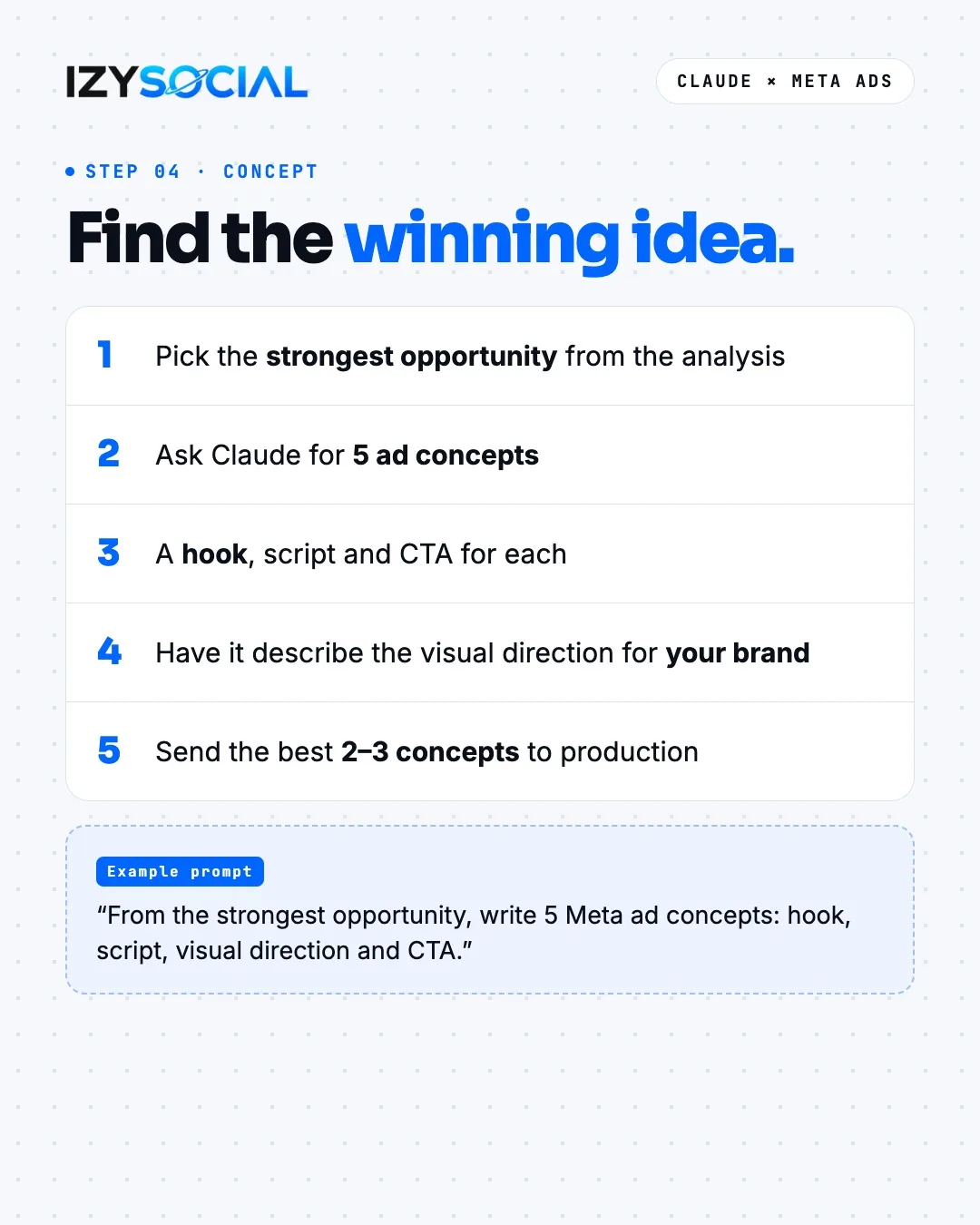
4. Find the winning idea
Pick the strongest opportunity from the analysis and ask Claude for 5 ad concepts built on it. Each concept needs a hook, a short script and a CTA, with a visual direction described for your brand. Then send the best 2–3 concepts to production.
Example prompt: "From the strongest opportunity, write 5 Meta ad concepts: hook, script, visual direction and CTA."
5. Turn the concept into video
Take the script from Claude and a real product photo, and turn them into video with a model such as Higgsfield, Kling or Veo. Make three versions from one idea: hook A, hook B and a different CTA. The test then shows which part works.
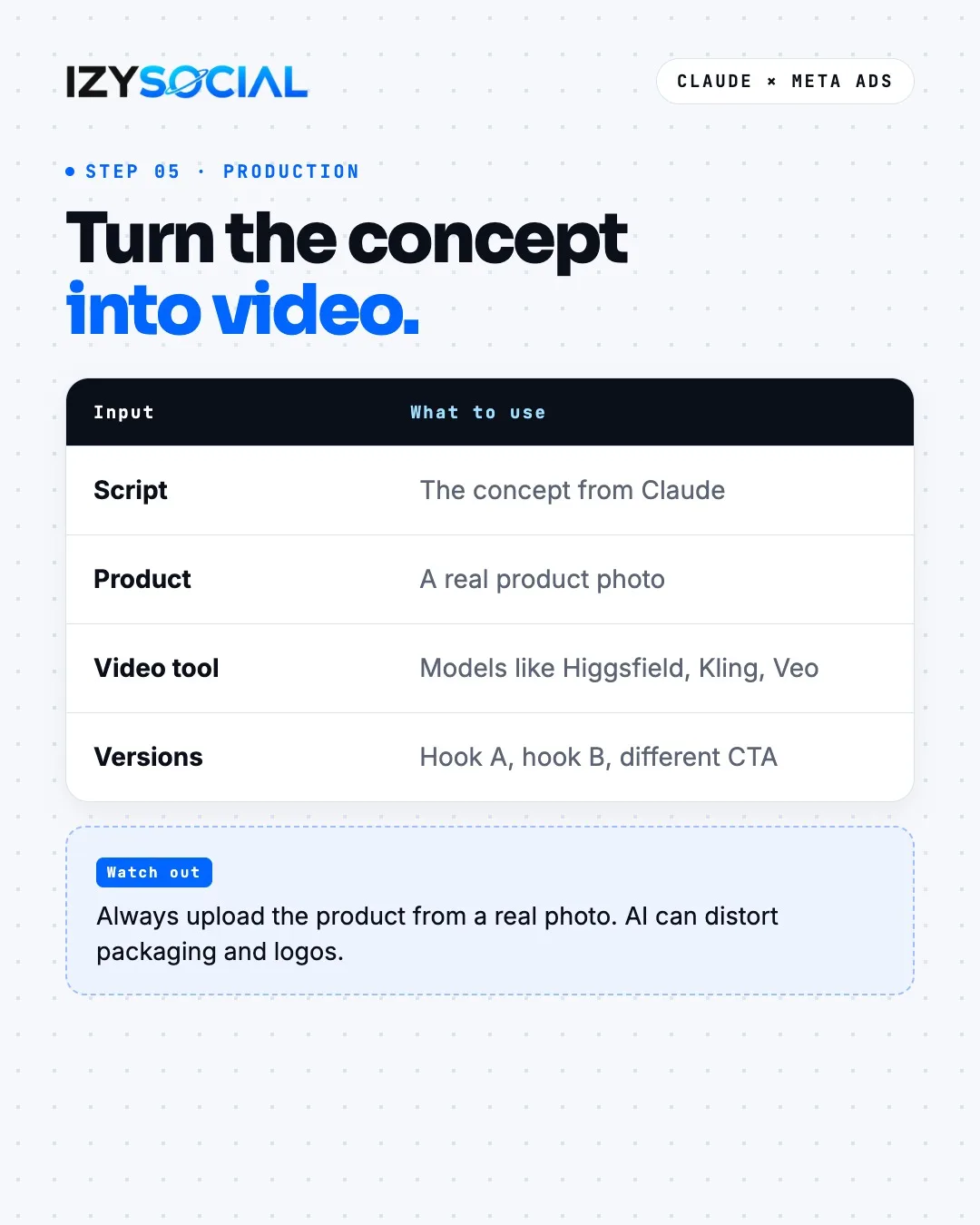
Always upload the product from a real photo. AI can distort packaging, text and logos.
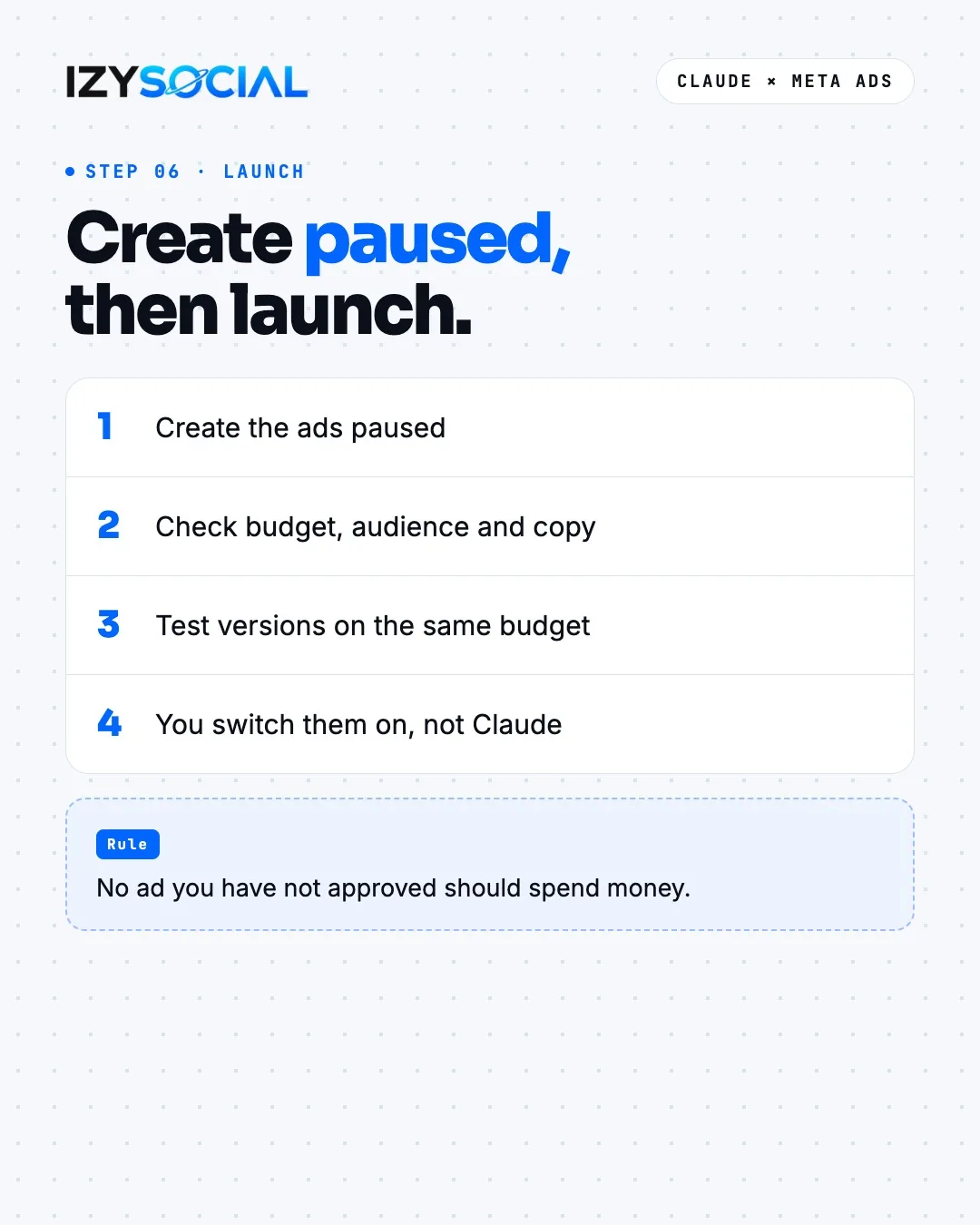
6. Create ads paused, then launch
Create the ads paused. Check the budget, audience and copy yourself, and test the versions on the same budget. The decision to go live should be yours, not Claude's. The rule is simple: no ad you have not approved should spend money.
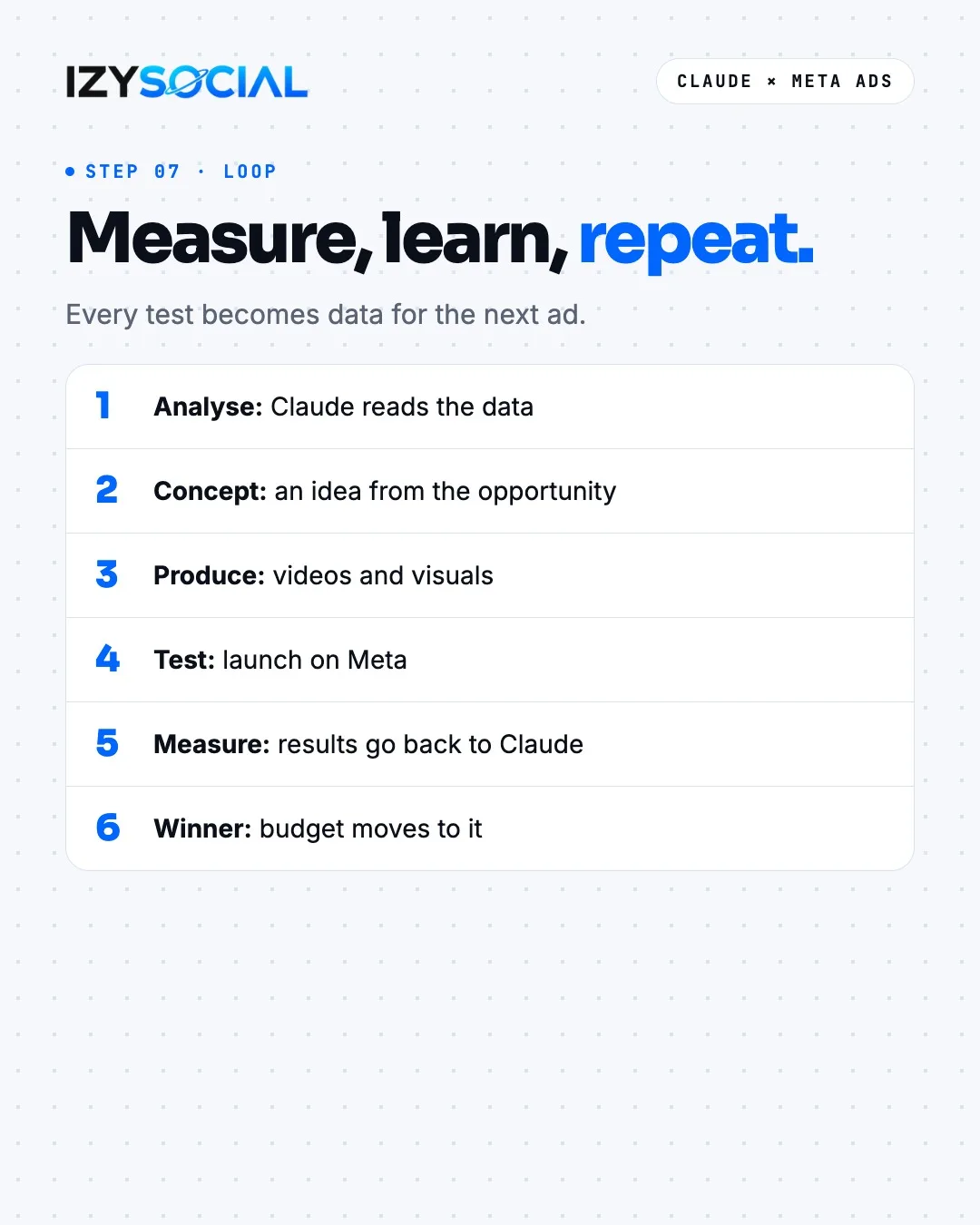
7. Measure, learn, repeat
Every test becomes data for the next ad. The loop works like this: Claude reads the data, a concept comes out of the opportunity, videos and visuals are produced, the ad runs on Meta, the results go back to Claude and the budget moves to the winner. Run this loop weekly and each month your ads get better than the last.
Frequently asked questions
Can Claude connect to my Meta ad account?
Yes. In 2026 Meta released an official connector, in beta, that links ad accounts to AI assistants such as Claude. Access can vary by account and plan; check Meta's own help pages for current steps.
Will Claude publish ads for me?
The connector can create campaigns, but leaving the launch decision to you is safest. Create the ads paused, check budget, audience and copy, then switch them on yourself.
What data should I share with Claude?
Select only the ad account you want analysed and keep permissions to a minimum. Do not share your personal password or unrelated business accounts.