

SEO Guide for Beginners: From Basics to Advanced in 9 Parts
Updated: October 29, 2026 · 4 min read
SEO is everything you do so your site ranks on Google without paying for ads. We wrote this guide for beginners: it starts with the basic terms and moves through keywords, on-page and technical SEO, trust signals, backlinks, local SEO and AI search. A 30-day plan closes it out.
What SEO is and how Google works
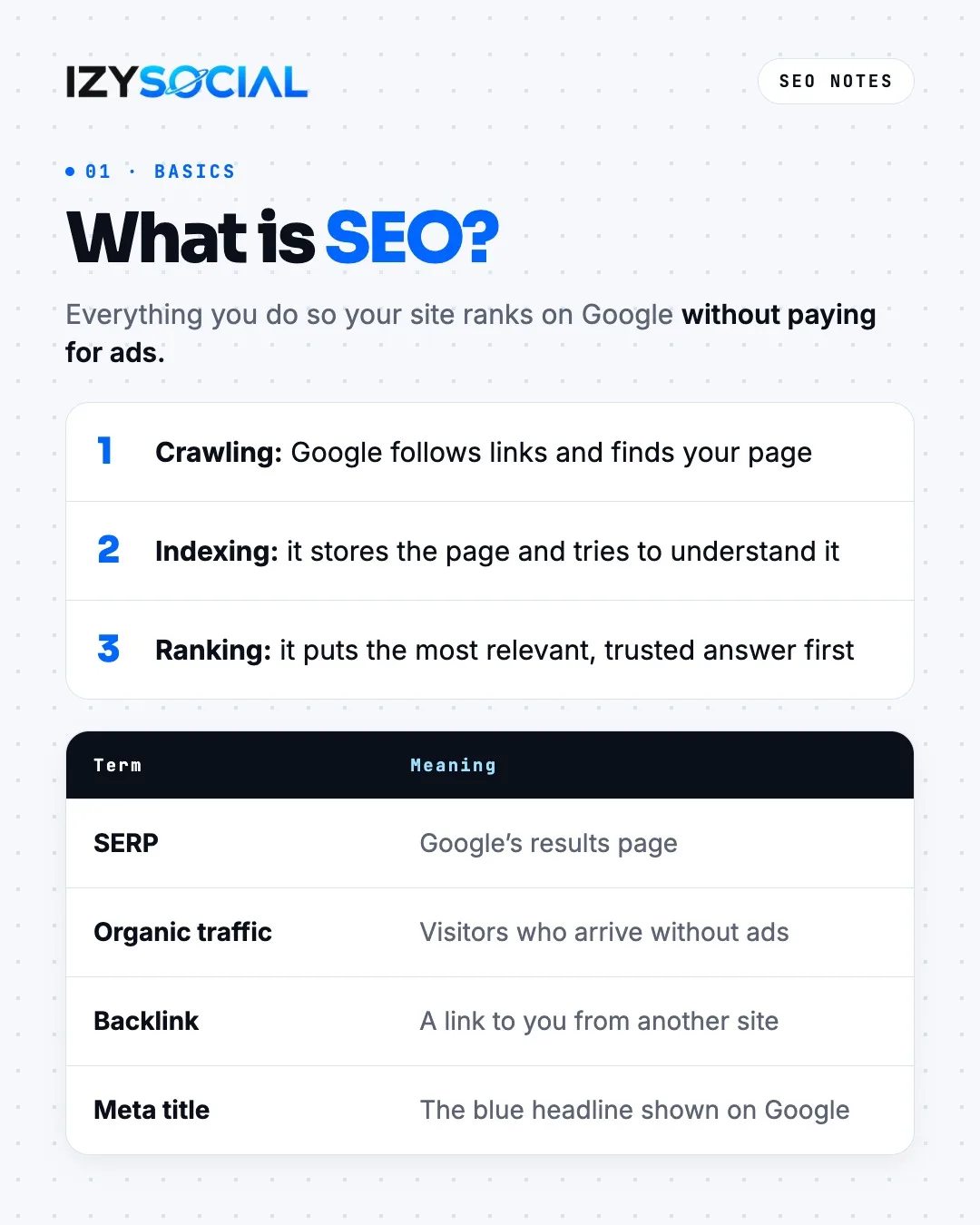
Google works in three steps. It follows links to find your page (crawling), stores the page and tries to understand it (indexing), then shows the searcher the most relevant, trusted answer (ranking). A few terms to know: the SERP is Google's results page. Organic traffic is visitors who arrive without ads. A backlink is a link to you from another site. The meta title is the blue headline shown in Google results.
Keyword research
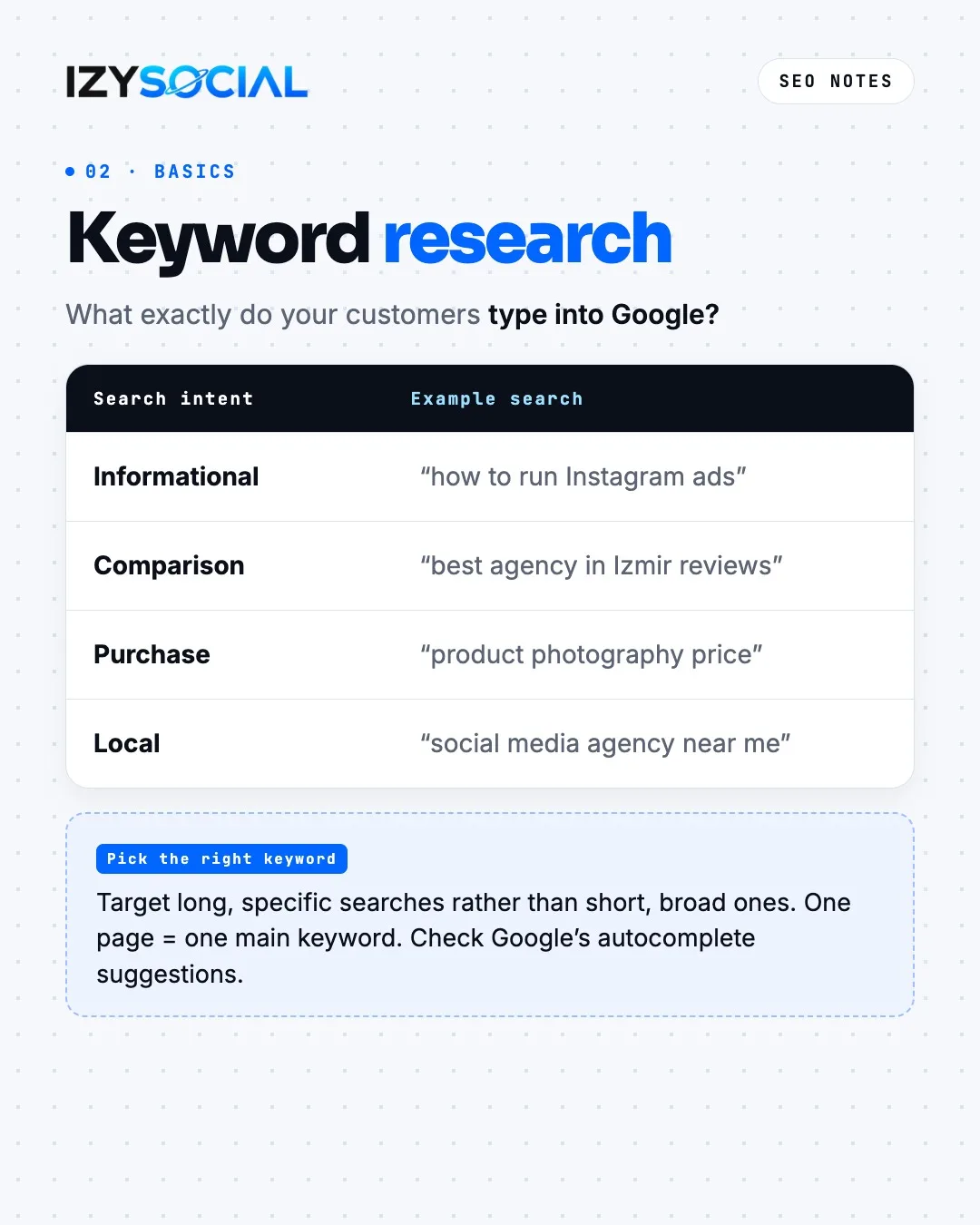
It all starts with what your customers actually type into Google. Searches carry four intents: informational ("how to run Instagram ads"), comparison ("best agency in Izmir reviews"), purchase ("product photography price") and local ("social media agency near me"). Target long, specific searches instead of short, broad ones, give each page one main keyword and check Google's autocomplete suggestions.
On-page SEO
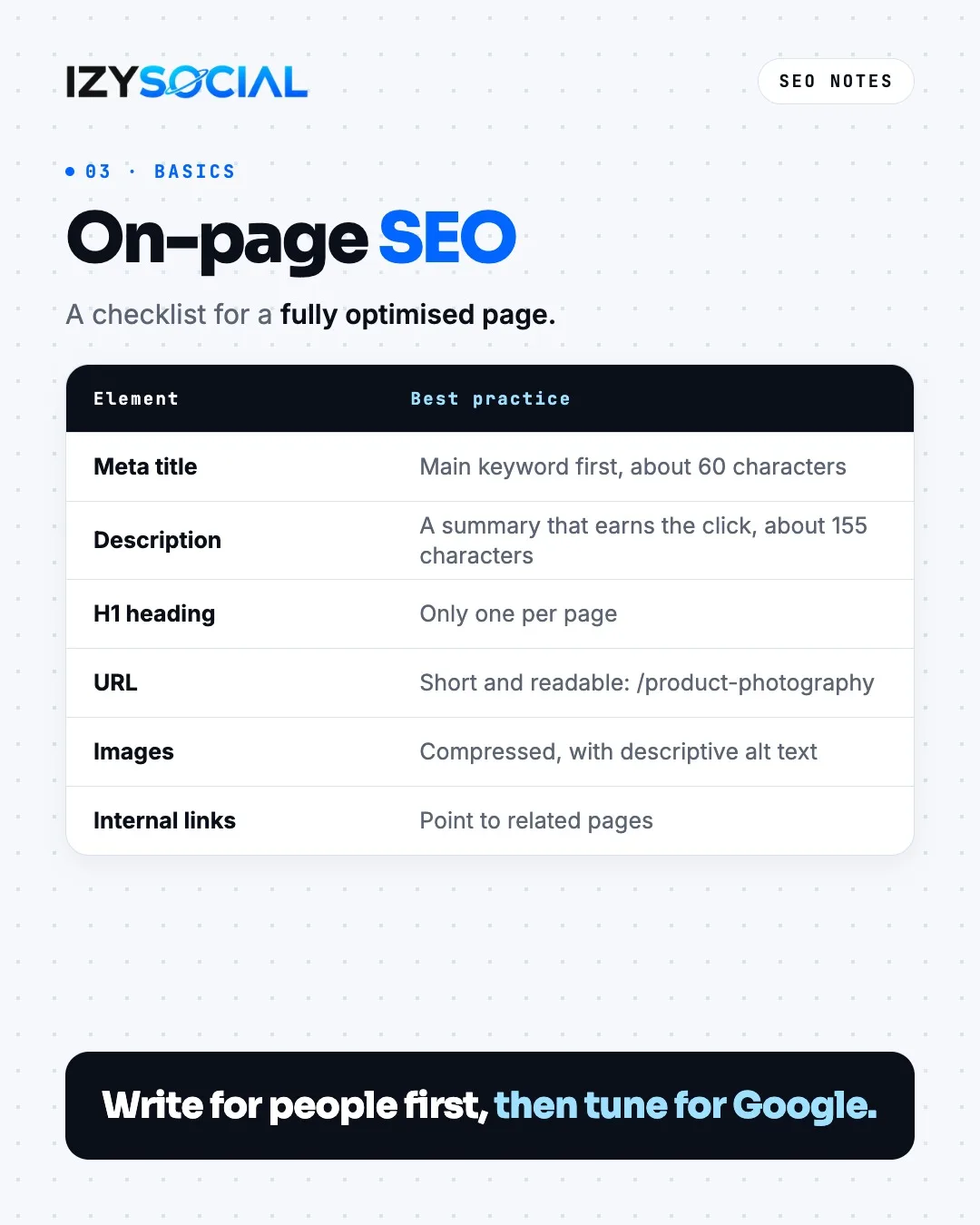
Put the main keyword first in the meta title and keep it to around 60 characters; longer titles can be cut off. Make the description a summary of about 155 characters that earns the click. Use one H1 per page, a short readable URL (like /product-photography), compressed images with descriptive alt text, and internal links to related pages. Write for people first, then tune for Google.
Content and E-E-A-T
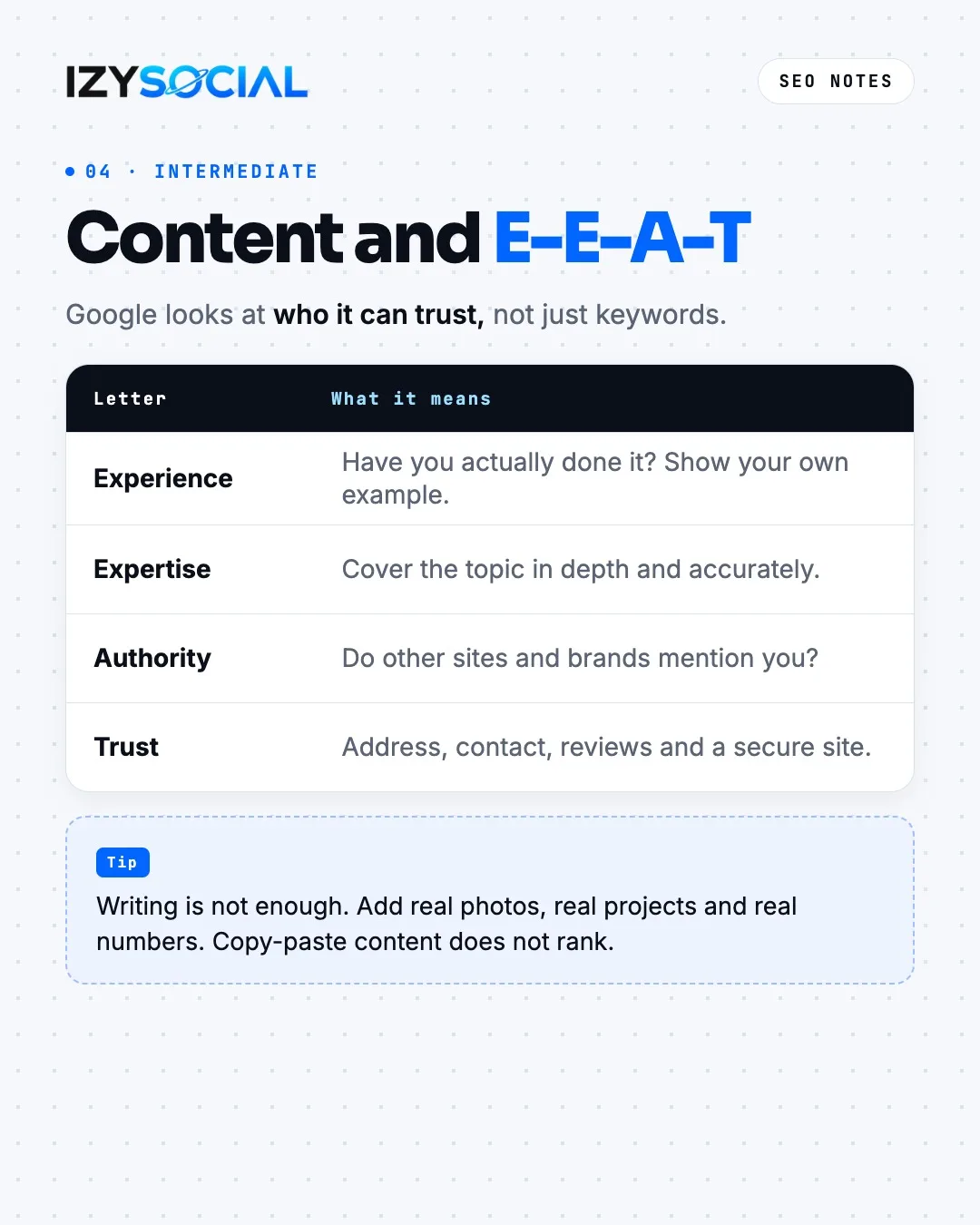
Google looks at who it can trust, not just at keywords. It sums this up as E-E-A-T: experience (have you actually done it), expertise (do you cover it in depth and accurately), authority (do other sites and brands mention you) and trust (address, contact, reviews, a secure site). Writing is not enough; add real photos, real projects and real numbers. Copy-paste content does not rank.
Technical SEO and Core Web Vitals
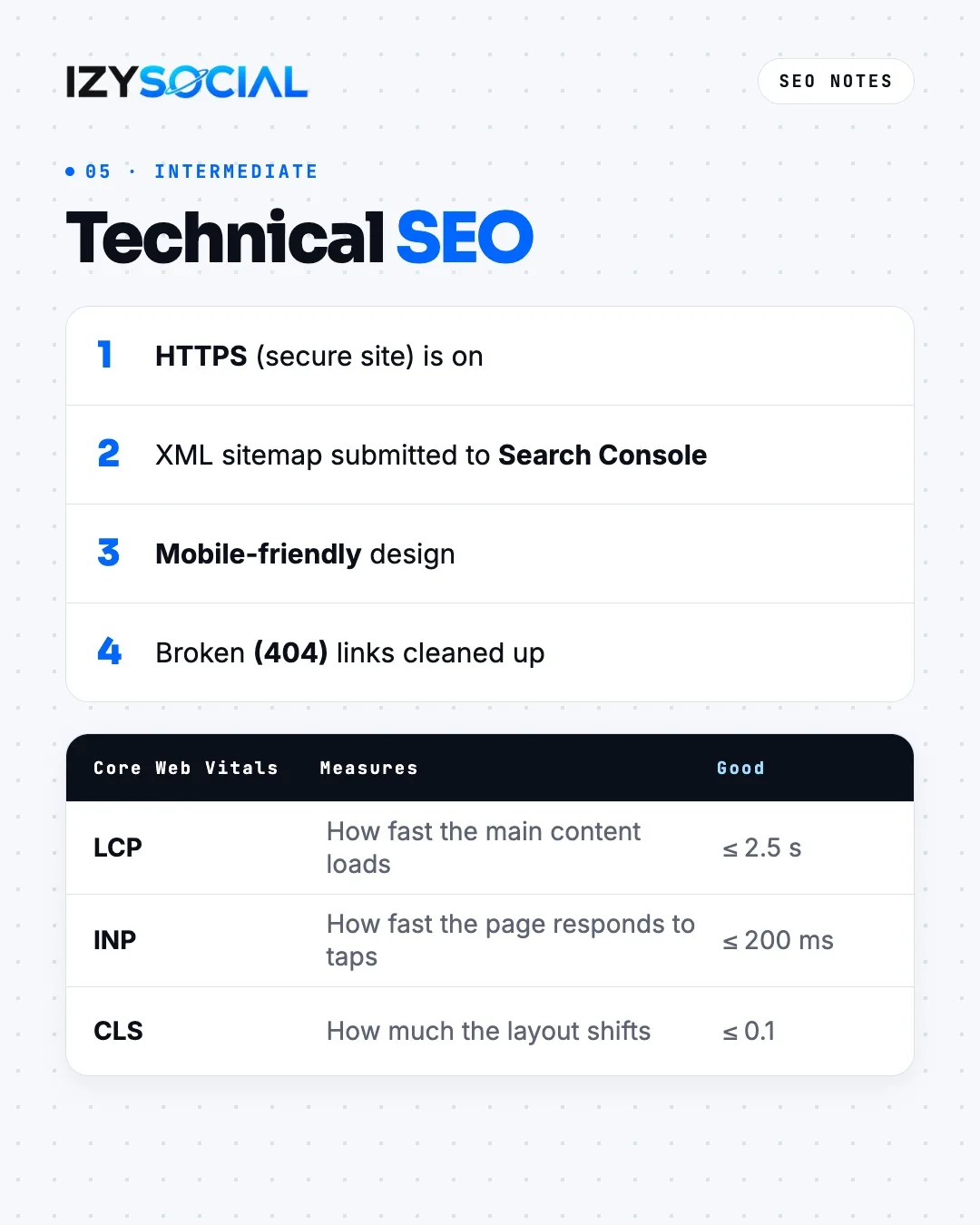
The basic technical checks: is HTTPS on, has an XML sitemap been submitted to Search Console, is the design mobile-friendly, are broken (404) links cleaned up? Google also measures page experience with Core Web Vitals. LCP shows how fast the main content loads and should be under 2.5 seconds. INP shows how fast the page responds to taps and should be under 200 milliseconds. CLS measures how much the layout shifts while loading and should be under 0.1.
Earning backlinks
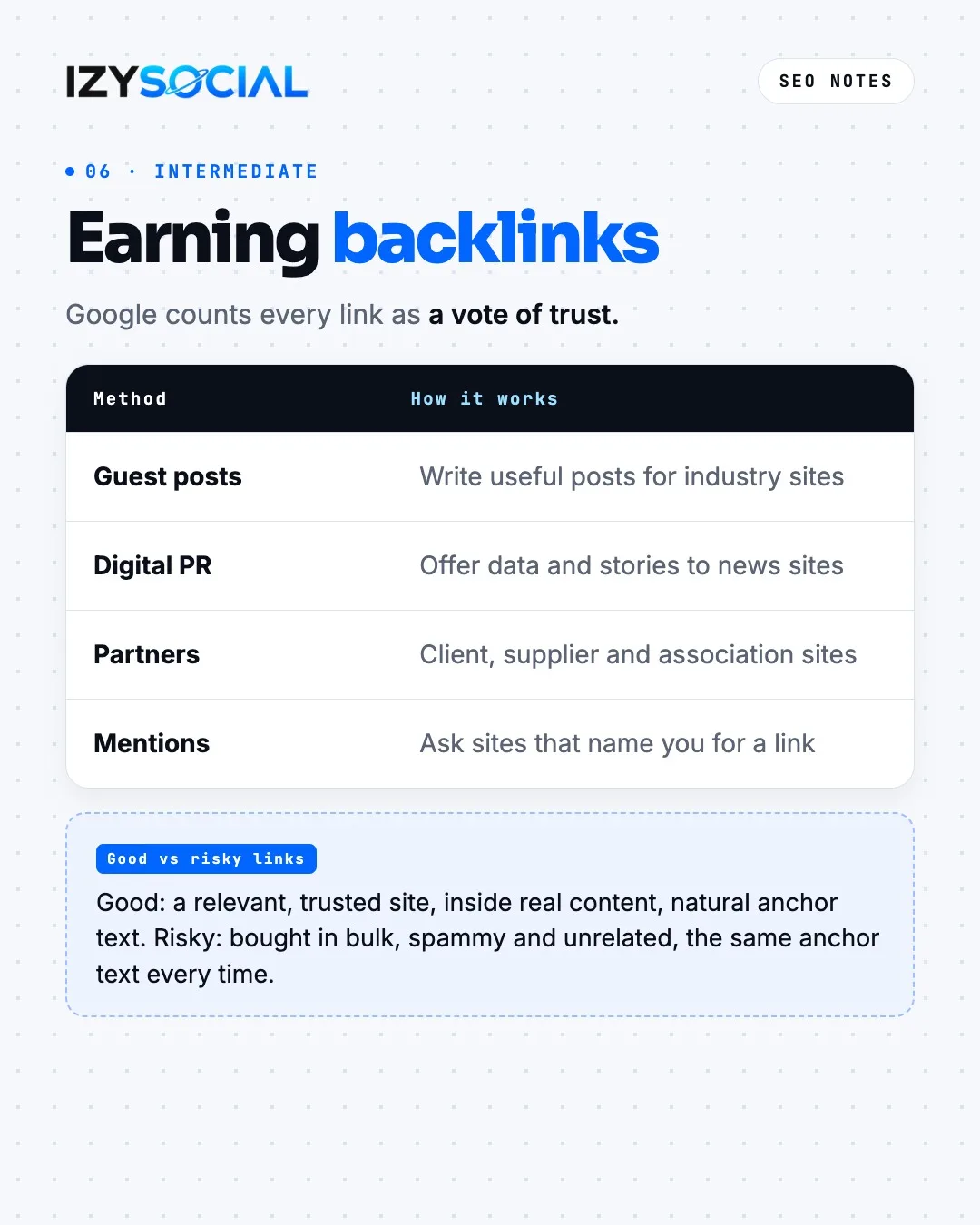
Google counts every link as a vote of trust. Four common ways to earn links: useful guest posts for industry sites, digital PR that offers data and stories to news sites, the sites of partners such as clients, suppliers and associations, and asking sites that already mention you for a link. A good link comes from a relevant, trusted site, inside real content, with natural anchor text. Links bought in bulk, spammy links or the same anchor text every time are risky.
Local SEO
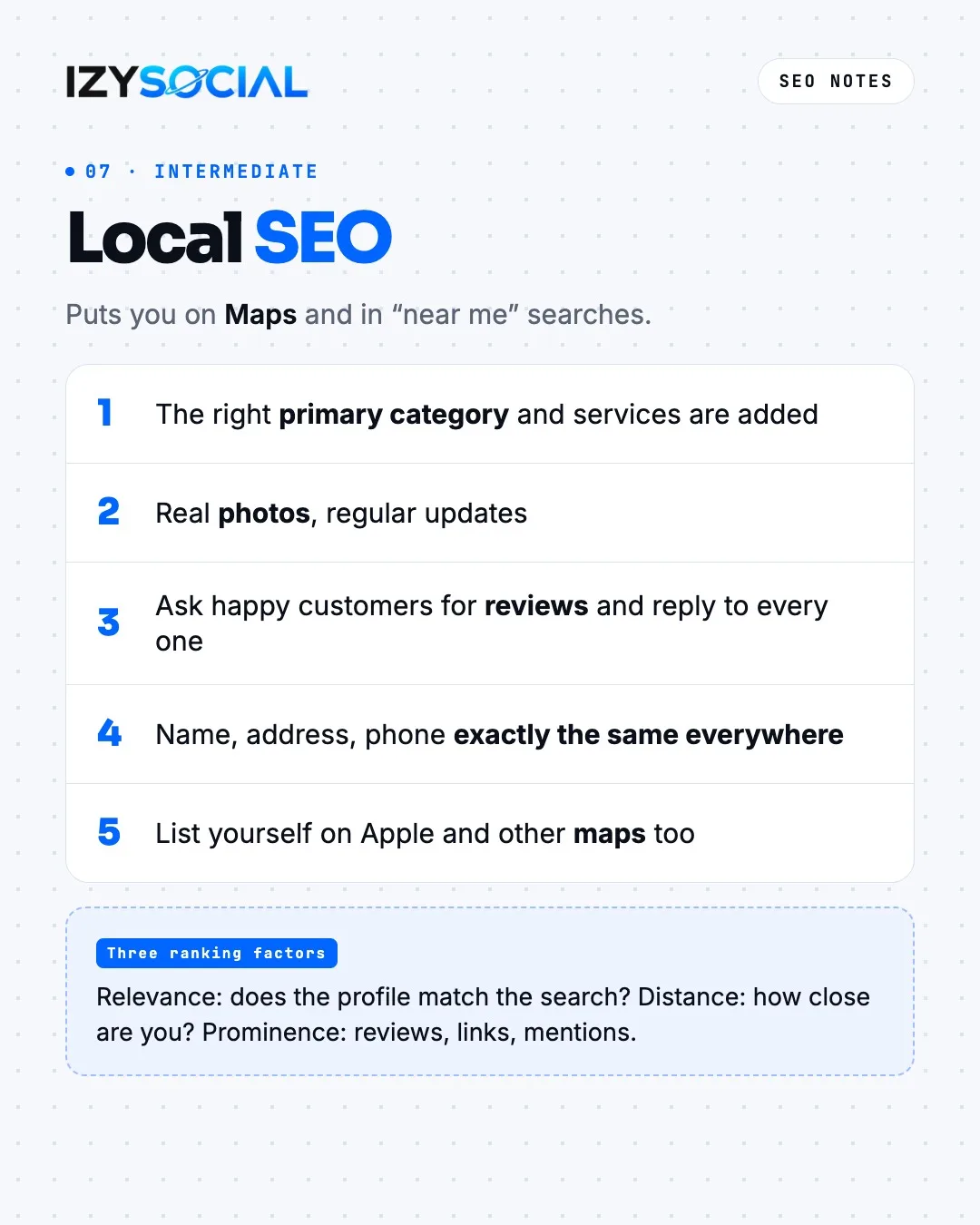
Local SEO puts you on Maps and in "near me" searches. Google looks at three things in local results: relevance (does the profile match the search), distance (how close you are to the searcher) and prominence (reviews, links, mentions). In your Google Business Profile, add the right primary category and services, keep real photos up to date, ask happy customers for reviews and reply to every one. Keep your name, address and phone exactly the same everywhere, and list yourself on other maps such as Apple Maps.
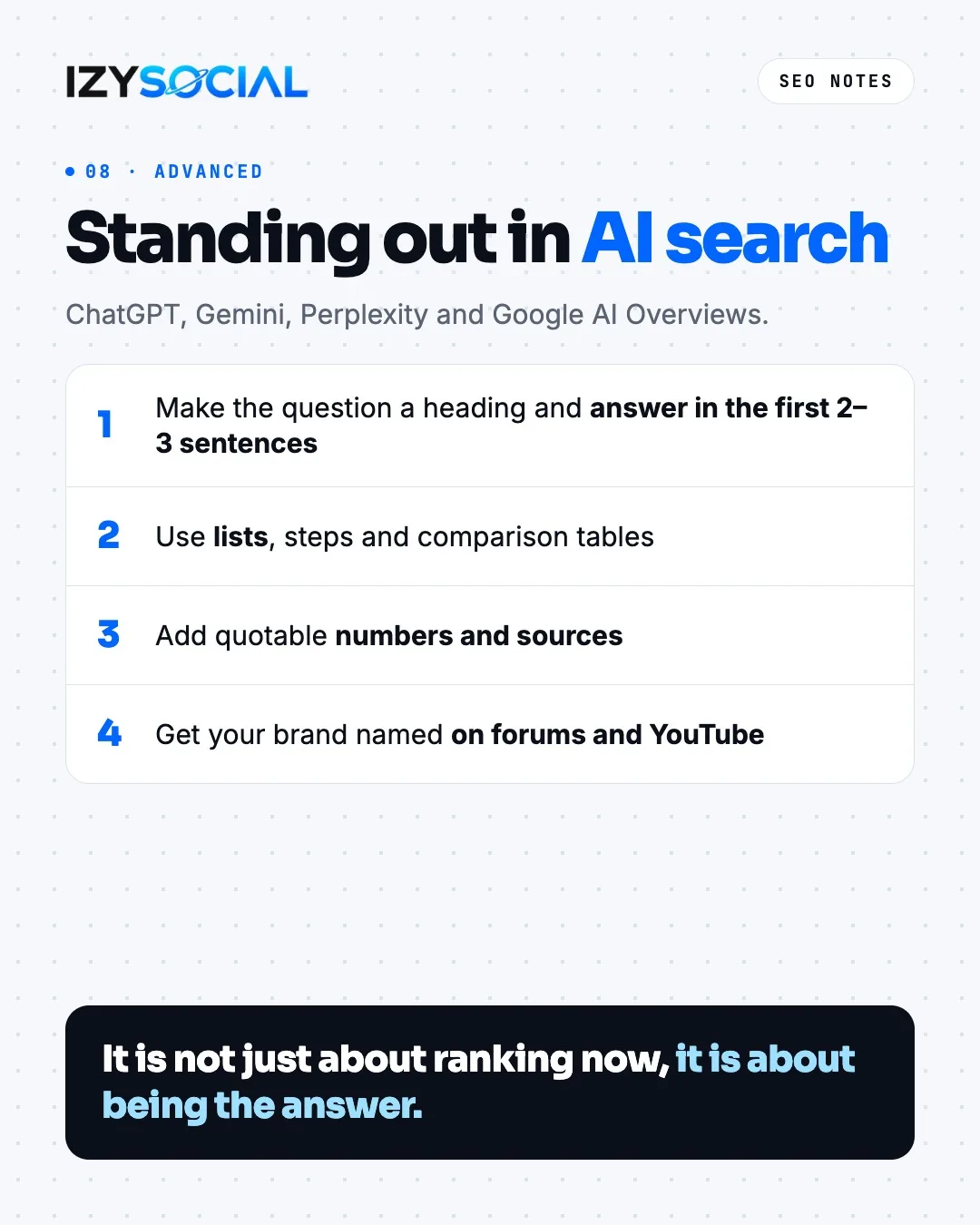
Standing out in AI search
ChatGPT, Gemini, Perplexity and Google's AI Overviews favour clear, sourced answers. Make the question a heading and answer it in the first 2–3 sentences. Use lists, steps and comparison tables. Add quotable numbers and sources. Having your brand named on forums and YouTube also helps AI tools recognise you. The goal now is not just to rank, but to be the answer.
We explain the difference between SEO, AEO and GEO in a separate guide.
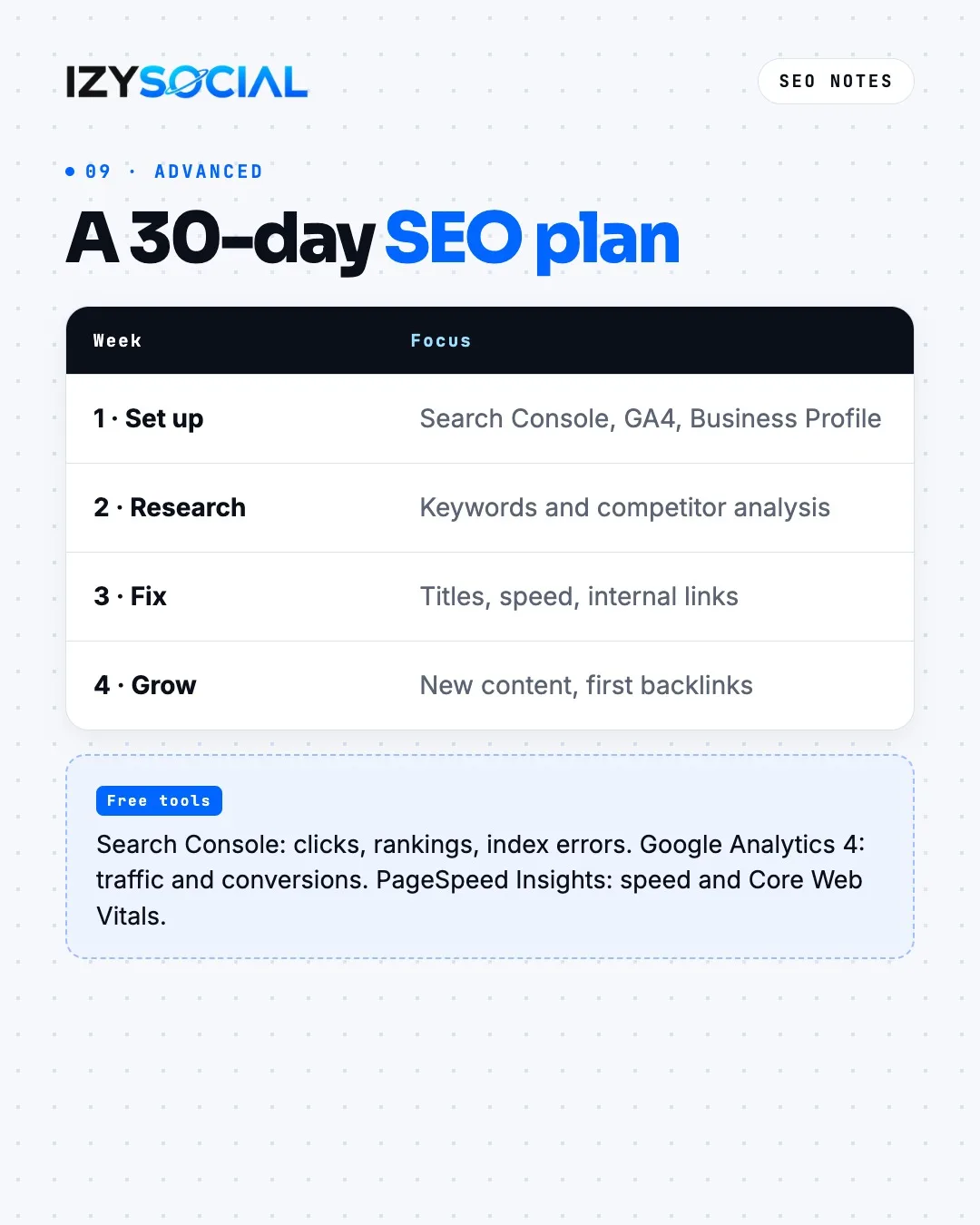
A 30-day SEO plan
Week 1, set up: Search Console, Google Analytics 4 and your Business Profile. Week 2, research: keywords and competitor analysis. Week 3, fix: titles, speed and internal links. Week 4, grow: new content and first backlinks. Three free tools are enough along the way: Search Console shows clicks, rankings and index errors; Google Analytics 4 shows traffic and conversions; PageSpeed Insights shows speed and Core Web Vitals.
Frequently asked questions
Is SEO free?
You do not pay Google for rankings; organic results are free. But creating content, fixing the site and tracking results take time or budget. Core tools such as Search Console, Google Analytics 4 and PageSpeed Insights are free.
How long should a meta title be?
Google sets no exact limit, but results usually show around 50–60 characters, and longer titles can be cut off. What matters most is putting the main keyword first and matching the title to the page content.
Do Core Web Vitals affect rankings?
Yes, they are part of the page experience signals. But content and relevance always weigh more. A slow site loses users and can fall behind pages with similar content.